A livestream usually fails not for want of good cameras, but from lost audio, lost connectivity or lost power. This article lists the minimum kit for a multi-camera broadcast and the points that break most often.
The minimum kit
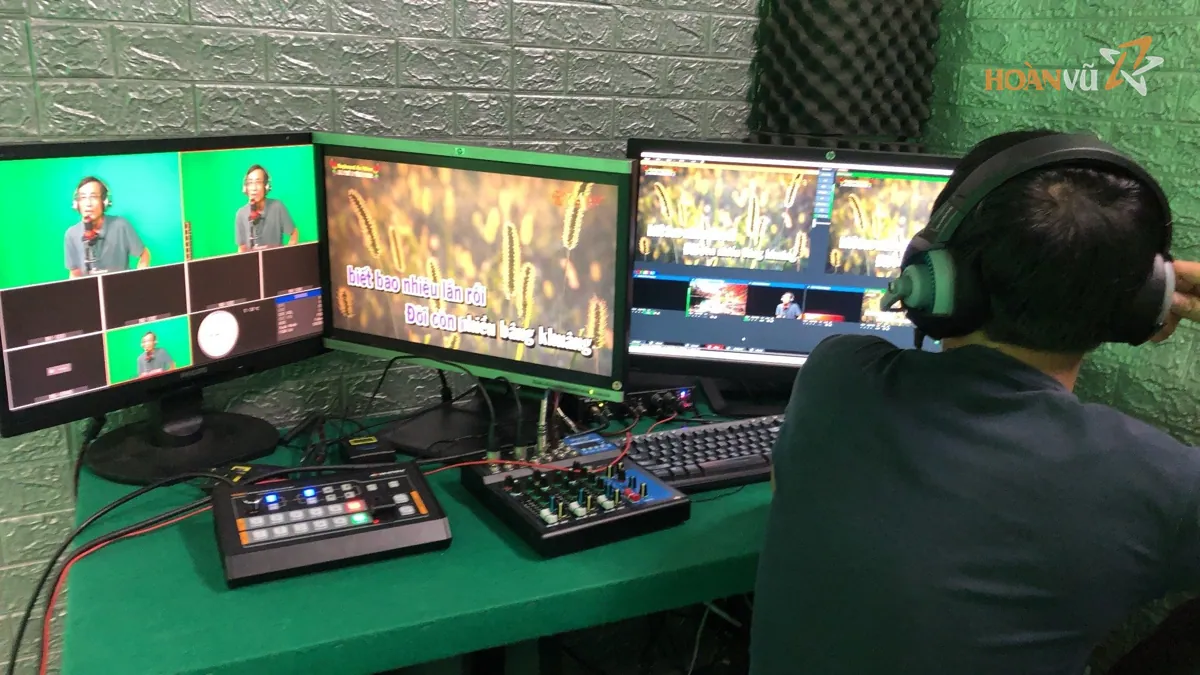
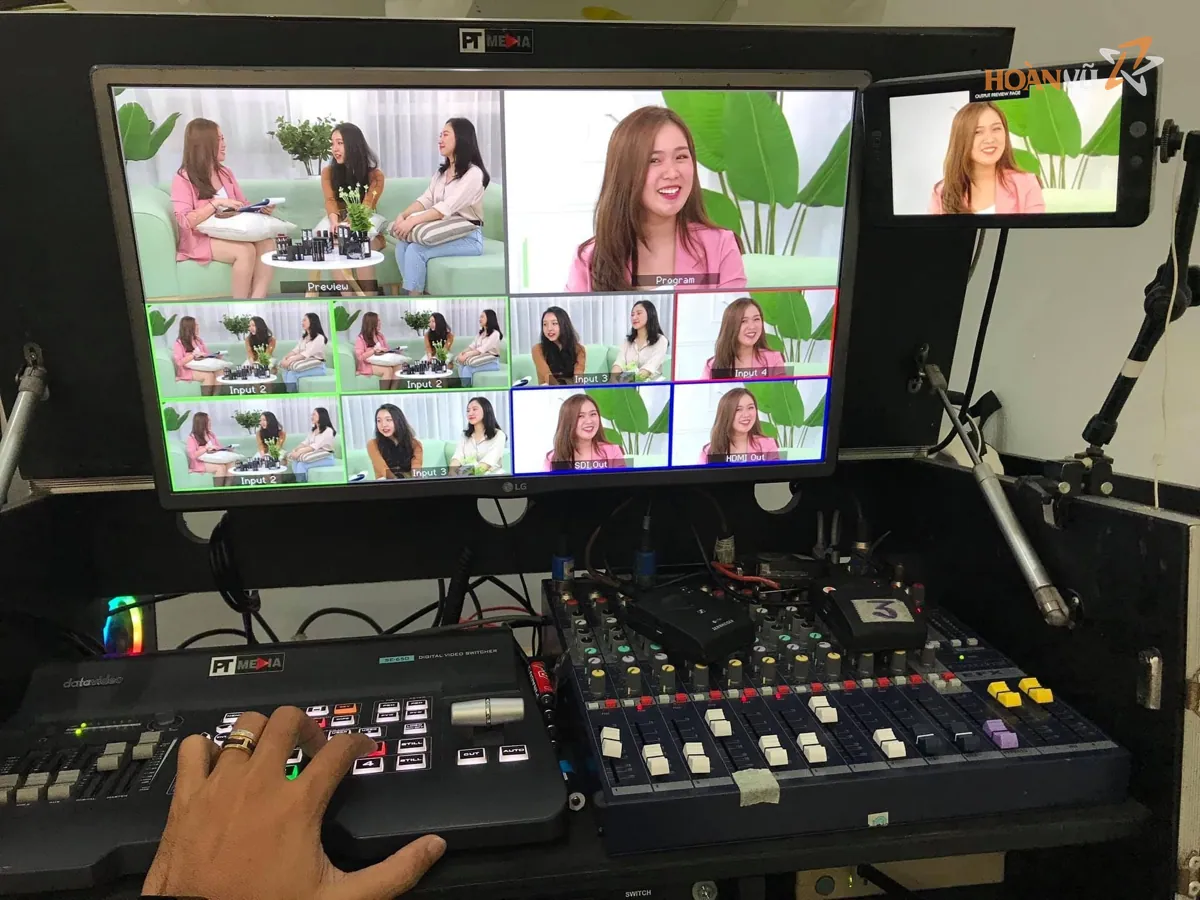
A basic configuration for a multi-camera event covers these groups.
| Group | Equipment | Role |
|---|---|---|
| Vision | 2 to 4 cameras, tripods, signal cable | Picture sources for different angles |
| Mixing | Vision mixer, multiview monitor | Cuts, titles, monitoring |
| Audio | Microphones, audio mixer, monitoring headphones | Sound sources and mixing |
| Transmission | Encoder, internet connection | Pushing the feed to the platform |
| Comms | Radios or intercom | Linking the director to camera positions |
| Power | Outlets with backup, UPS | Keeping the system up through a power dip |
Audio matters more than picture
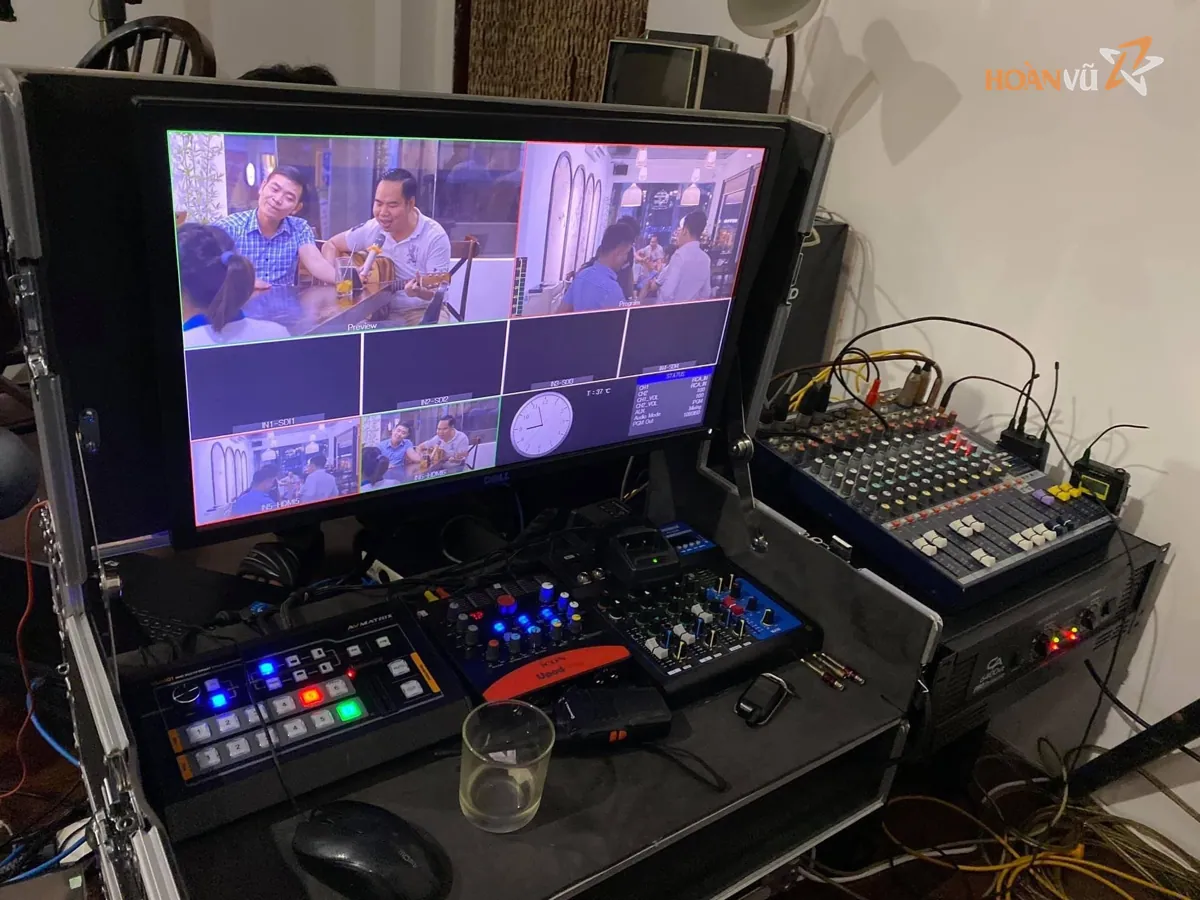
Viewers tolerate a soft picture but leave the moment audio drops or hums. Audio therefore comes straight from the event's own mixing desk, not from the camera's built-in microphone.
Three things the audio path needs:
- A dedicated feed from the event mixer, through an isolator to stop hum.
- Continuous monitoring on headphones at the mixing position, not just watching the meters.
- A backup microphone and a second audio path for the important speeches.
Connectivity
This is the number one weak point of event streaming. Venue networks are rarely designed for a sustained upload over several hours.
- Measure the real upload speed at the encoder position, ideally during the same hours as the event.
- Prefer wired networking over wifi, which degrades as the hall fills with people.
- Prepare a second path, usually mobile data, to switch to if the primary drops.
- Set a moderate bitrate relative to the measured speed, not close to the ceiling.
- Run a test broadcast at least once on the day, long enough to see whether the link holds.
Camera positions
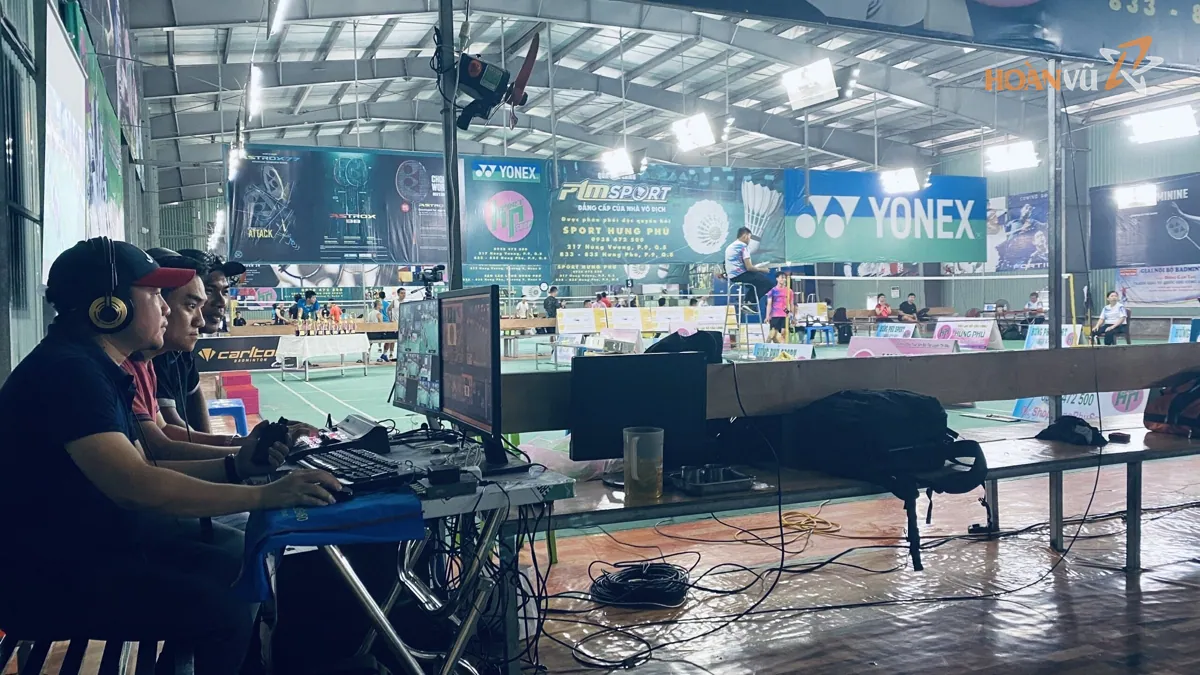
For a hall event, a familiar layout is one fixed wide camera, one close camera on the stage and one on the audience or a secondary angle. Each position needs the running order in advance so the main angle is never left uncovered.
Signal cable from camera to mixer runs along the walls or under mats, away from guest routes. A cable stepped through mid-programme is a fault there is no time to fix.
Common failures
| Fault | Consequence | How to avoid it |
|---|---|---|
| Audio from the camera microphone | Echo and room noise | Take a dedicated feed from the mixer |
| Relying on venue wifi | Drops as the hall fills | Wired first, mobile data as backup |
| No test broadcast | Faults found while live | Test long enough on the day |
| Bitrate near the link ceiling | Stutter and breakup when the link varies | Set well below the measured speed |
| Cable across a walkway | Cut mid-programme | Run along walls, cover with mats |
| No UPS | Everything lost on a power dip | Feed mixer and encoder through a UPS |
Frequently asked questions
What upload speed does an event livestream need?
It depends on the resolution and bitrate chosen. The rule is to measure the real upload speed on site and then set the bitrate well below that figure, leaving headroom for variation.
Is a hardware vision mixer necessary, or will software do?
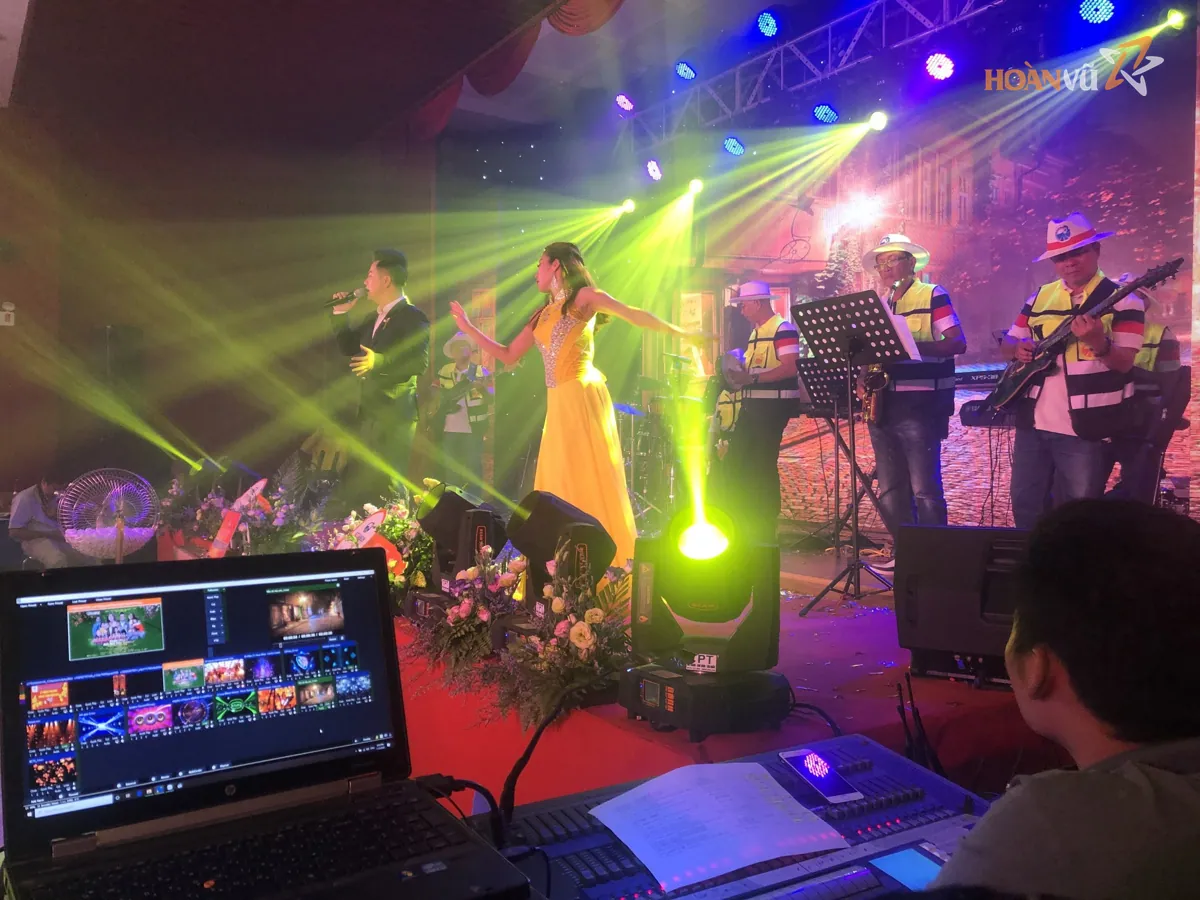
Software on a computer works for small setups. A hardware mixer is more reliable for multi-camera events running several hours, because it does not depend on the state of one computer.
Why does a livestream lose lip sync?
Usually because the audio and video paths pass through different numbers of processing stages and arrive at the mixer offset. Mixers allow a delay offset, and this is set during the test run rather than while live.
Conclusion
A stable livestream rests on three things nobody sees: a clean audio feed, a connection with a backup, and power through a UPS. Get those in place before discussing how many cameras to use.
For a livestream crew and equipment for your event, contact Hoan Vu.
Hoan Vu handles stage, screens, filming, streaming and ticketing end to end.